












 Continue with Google
 Continue with Discord
Home·McDoctor
Built into the panelMcDoctor, your server’s doctor
A server that crashes at startup or lags for no visible reason leaves a trace: its log. McDoctor reads it for you, finds what is wrong and explains how to fix it, without leaving the panel.
Three steps, one diagnosis
McDoctor is a button on the Properties page of your server, next to the installed version. The rest takes a few seconds.
- You click McDoctor
From the panel, on the server that is giving you trouble. No file to download, no text to paste anywhere: the server log is read in place.
- The log is analysed
Errors, warnings, stack traces, mod and plugin versions: everything the server wrote before stopping is reviewed, line by line.
- The report appears
The cause, its severity and the steps to fix it, in a panel window. You apply the fix and restart the server.
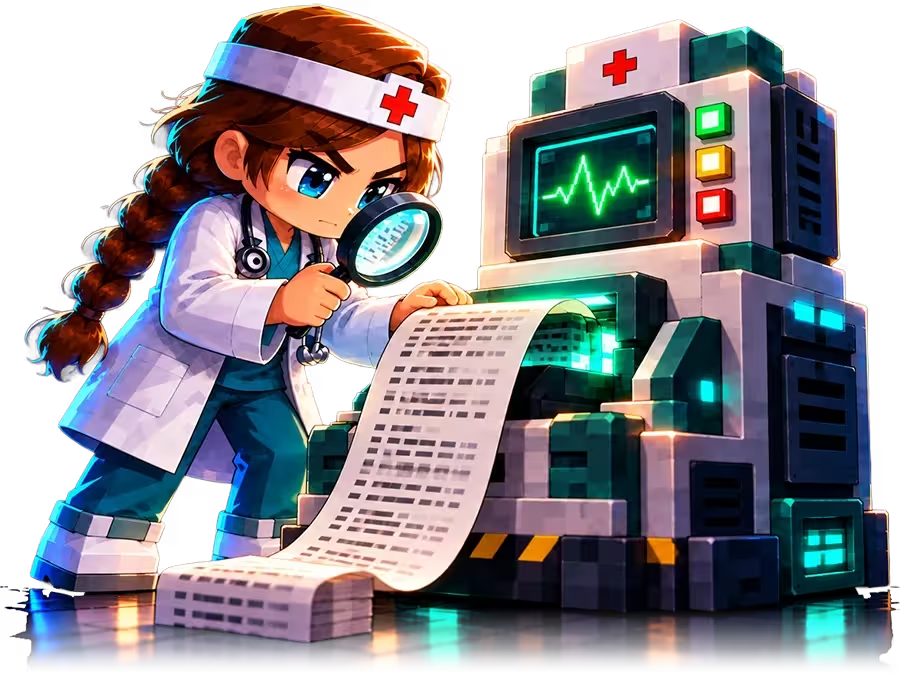
What McDoctor can read
Minecraft server failures look alike, and almost all of them are written in the log.
- A crash at startup, and the line that caused it.
- A mod or plugin that is missing, duplicated, or built for another version.
- A missing dependency between two mods.
- Too little memory for the world or the modpack loaded.
- A Java version that does not match the engine.
- A damaged world, a badly written configuration file, a port already in use.

A readable report, not a wall of text
The report does not copy the log: it sums it up. For each problem found, it gives the cause, how serious it is and the fix, in the order to apply them.
When a plugin or a mod is to blame, it is named, with the version it expects. When it is memory, the report says how much. When it is Java, it says which one to choose, and the panel switches it in one click.
The report appears in an isolated panel window. After each fix, you can run a new analysis to check that the server is healthy.
Included in your plan
McDoctor is not billed per analysis. Each server has a number of analyses per day, renewed the next day.
Nothing to send
The log is read from the panel, on your server. You have no file to find and no text to paste.
An immediate answer
The ticket page offers you the analysis first. Most failures are solved without waiting for a human reply.
What McDoctor does not do
It changes nothing on its own: each fix is a suggestion that you apply from the panel. It only sees what the log contains; a server that runs without errors but whose players lag is more a matter of memory or of the number of plugins. And it does not replace support: when the diagnosis is not enough, the ticket is still there.
Before digging through the log or opening a ticket, click McDoctor. In a few seconds you know what broke and how to fix it.
McDoctor is in the panel of every server
Try it for 10 days, no bank card: the analysis is available from the very first start.