Tutorials

Everything you need to help you with your server
Plugins & mods

How to use the Plugins and Mods tab of your panel?

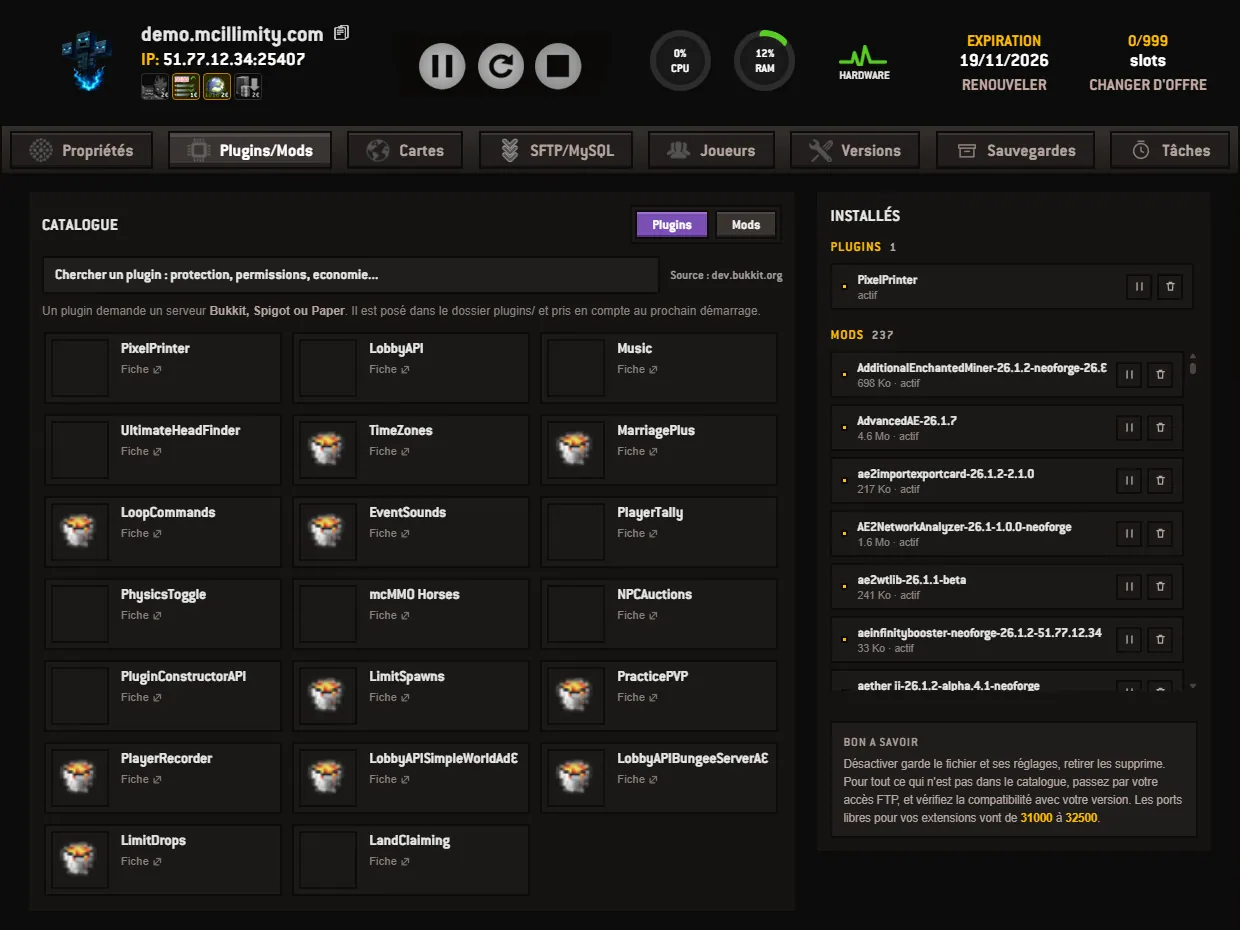
The Plugins and Mods screen of the panel: the catalog on the left, installation in a single button, and the list of your installed extensions on the right. 3 min read
Manage the panel

The Versions tab of the panel: choosing your engine, and backing up first

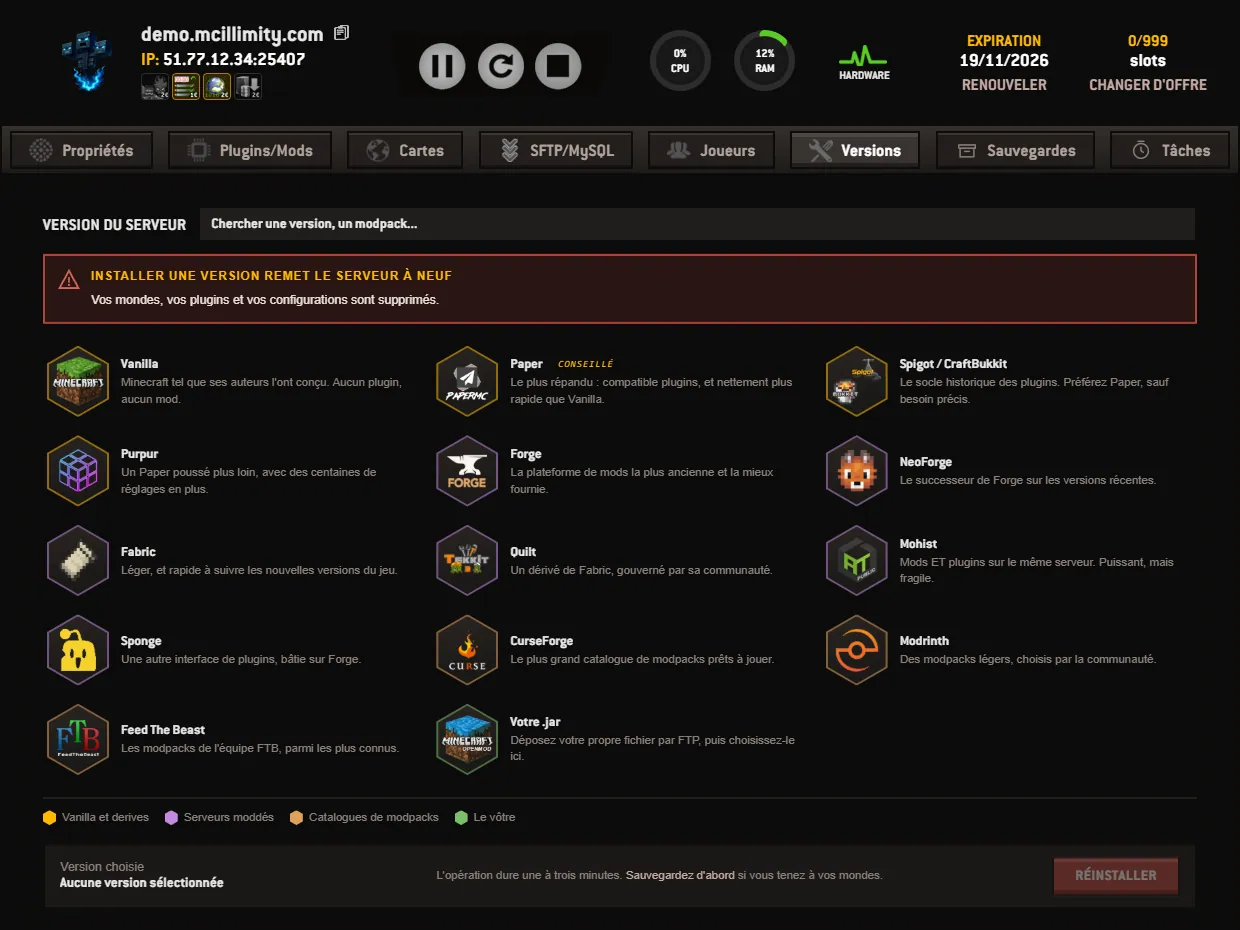
The Versions tab of the panel: fourteen platforms in four families, picking the version number, and the warning to read before you reinstall. 3 min read
Manage the panel

How to schedule an automatic restart or backup of the server?

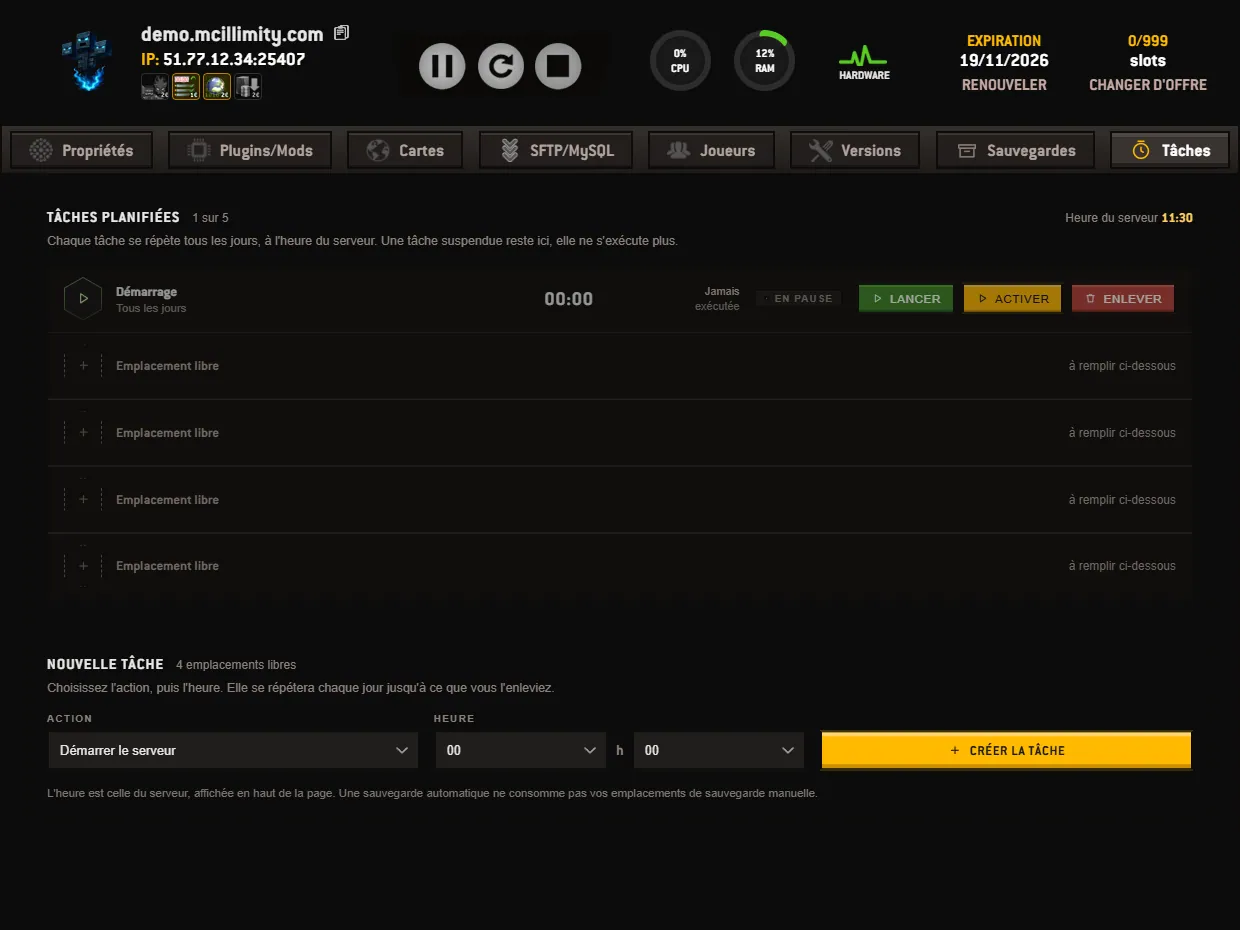
As an option at 1 euro per month, the Tasks tab repeats a start, a stop, a backup or a command every day at a set time, without anyone at the screen. 3 min read
Manage the panel

How do you start your server and change its settings from the panel?

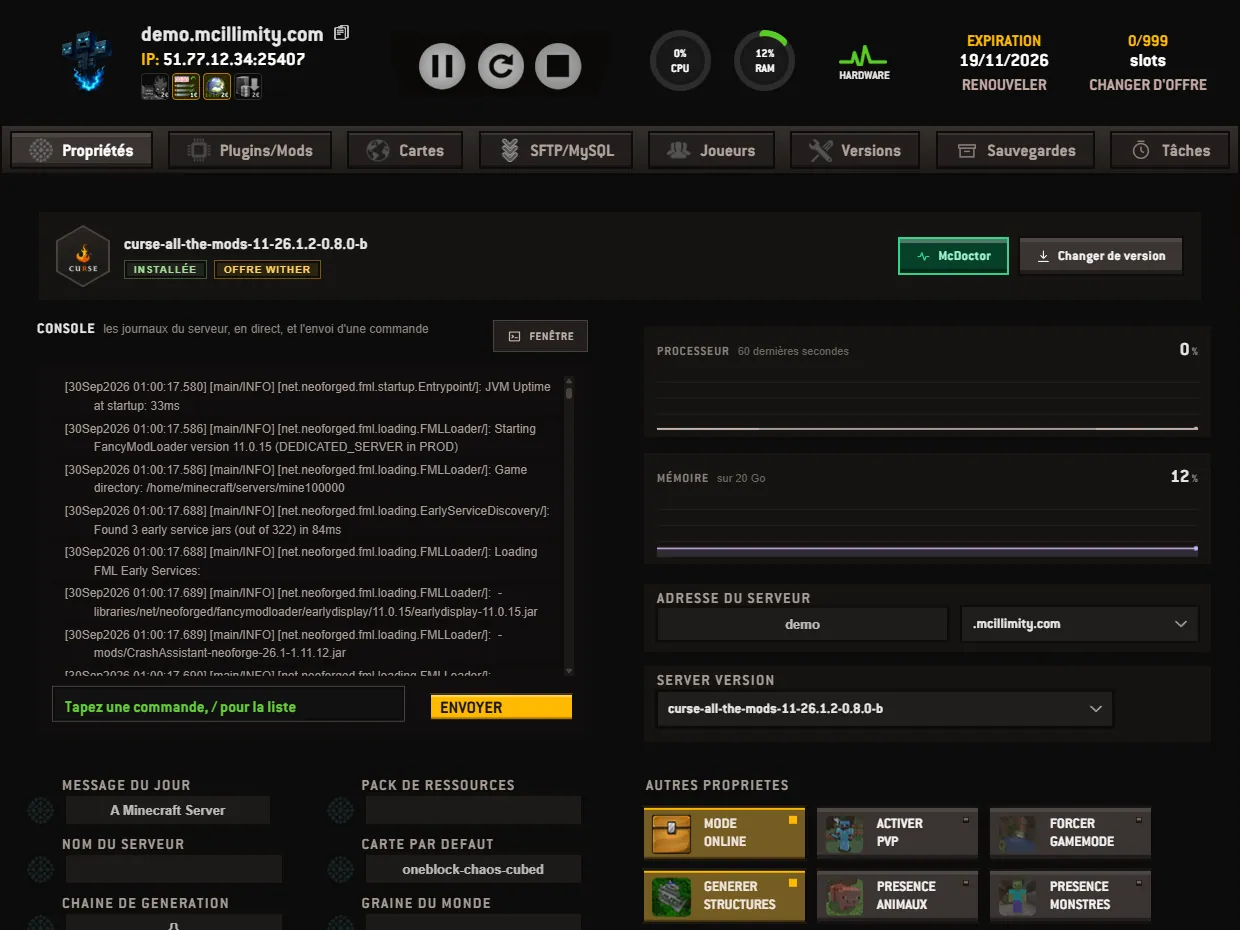
Your server's home screen, explained from top to bottom: the status bar and its buttons, the live console, the connection address and the game settings. 3 min read
Manage the panel

How to manage the players on your Minecraft server?

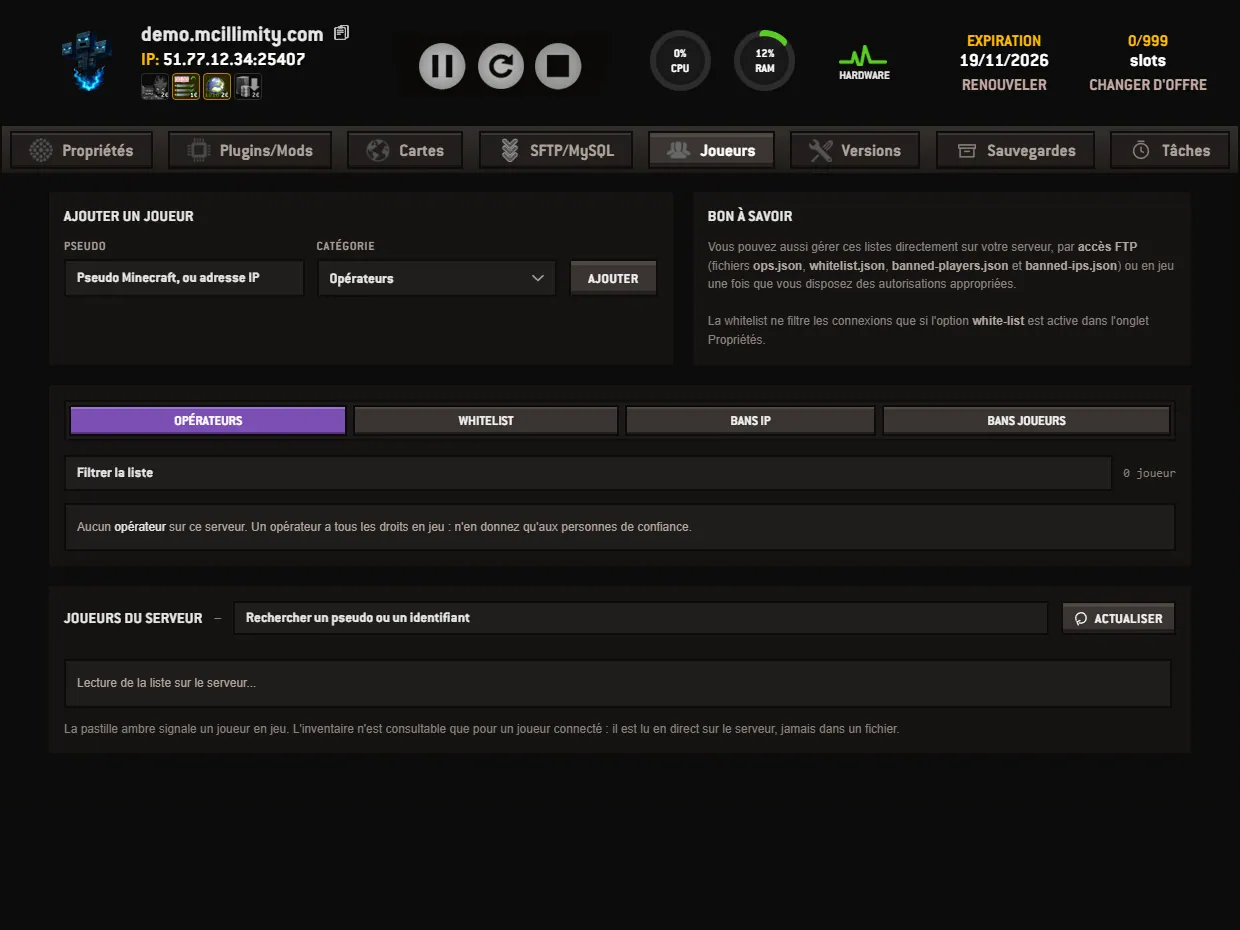
The Players tab of the panel gathers the operators, the whitelist, the IP bans and the player bans, as well as the list of the server's players and their actions. 3 min read
Manage the panel

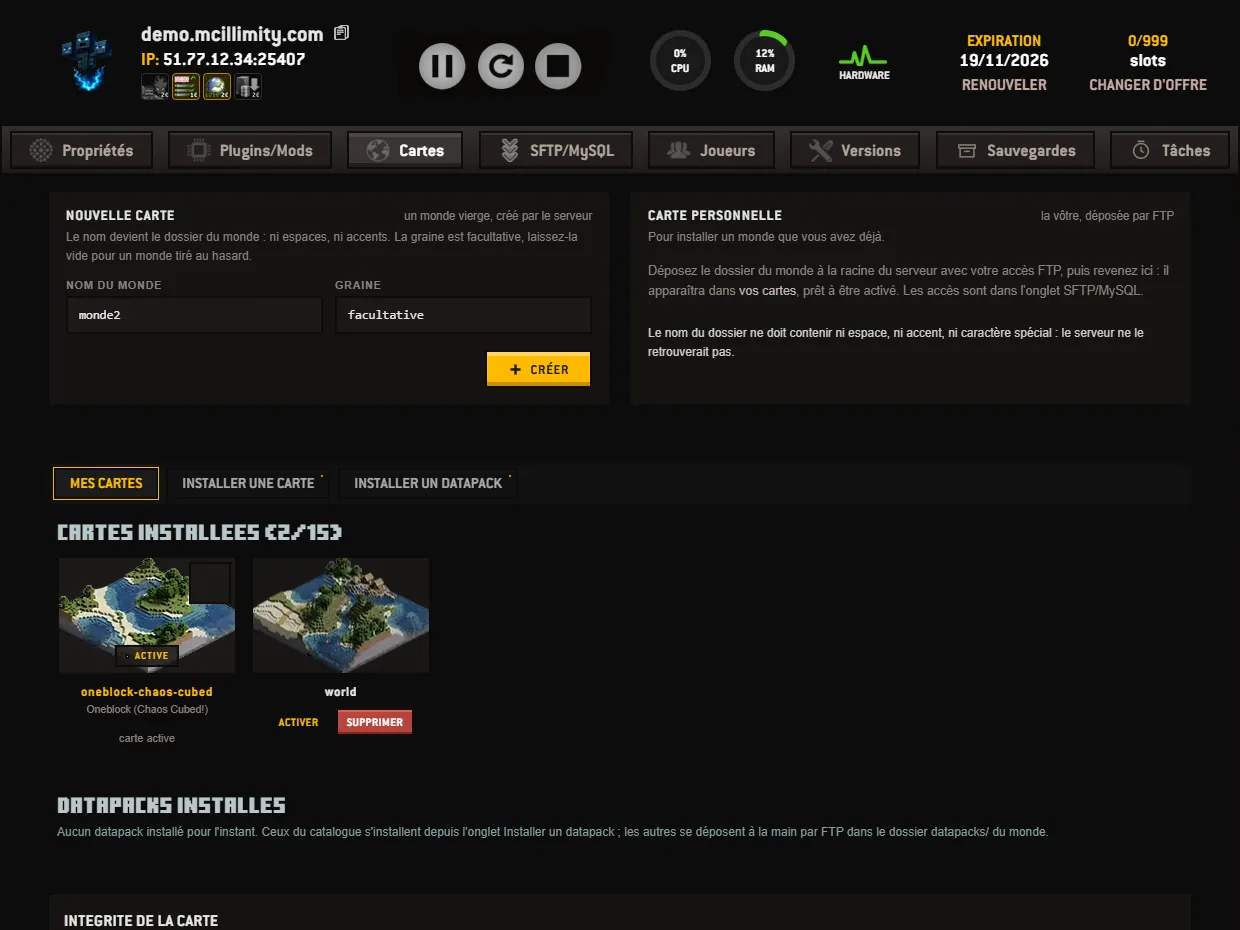
How to install a map and switch worlds on your server?

Create a world from a seed, upload your own via FTP, switch the active map and install a datapack, all from the Maps tab of the panel. 3 min read
Manage the panel

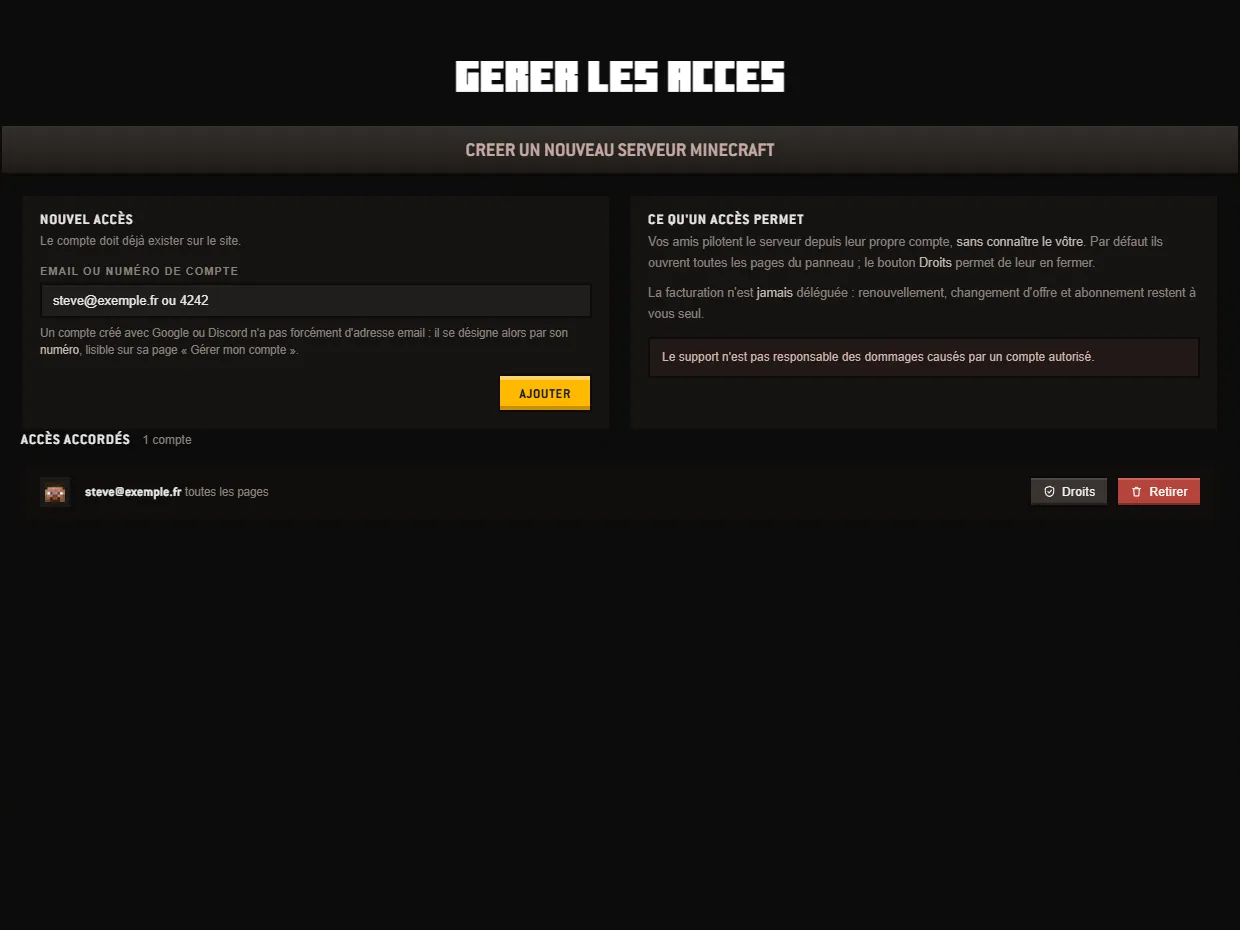
How to invite someone to your server and limit their rights?

Invite an account to your server, open or close each of the nine panel pages for it, and remove it when needed: the Manage access screen. 3 min read
Manage the panel

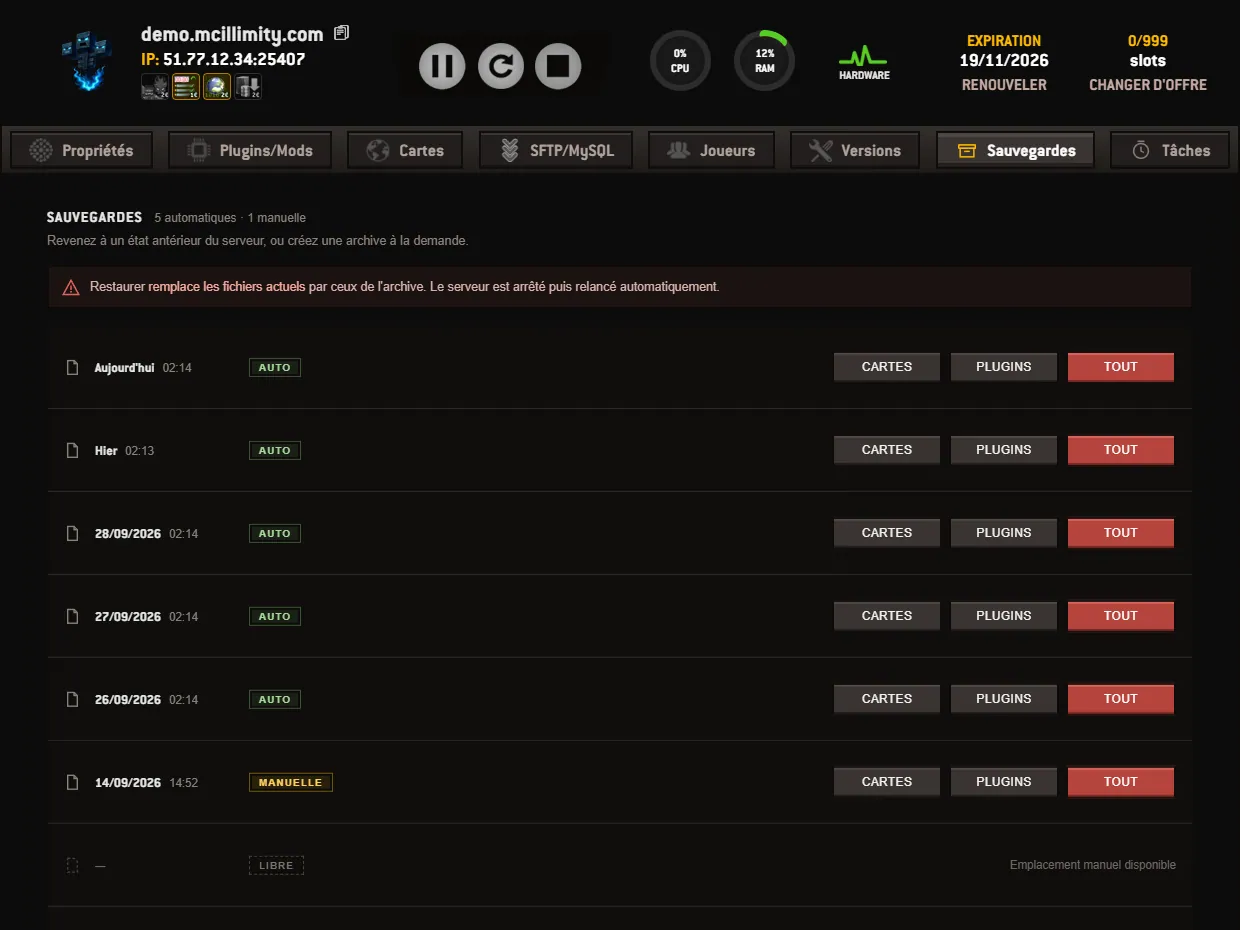
How to restore your server from the Backups tab?

The Backups tab of the Minecraft illimity panel: the automatic archives, the four manual slots, and restoring maps only, plugins only or the whole server. 3 min read
Manage the panel

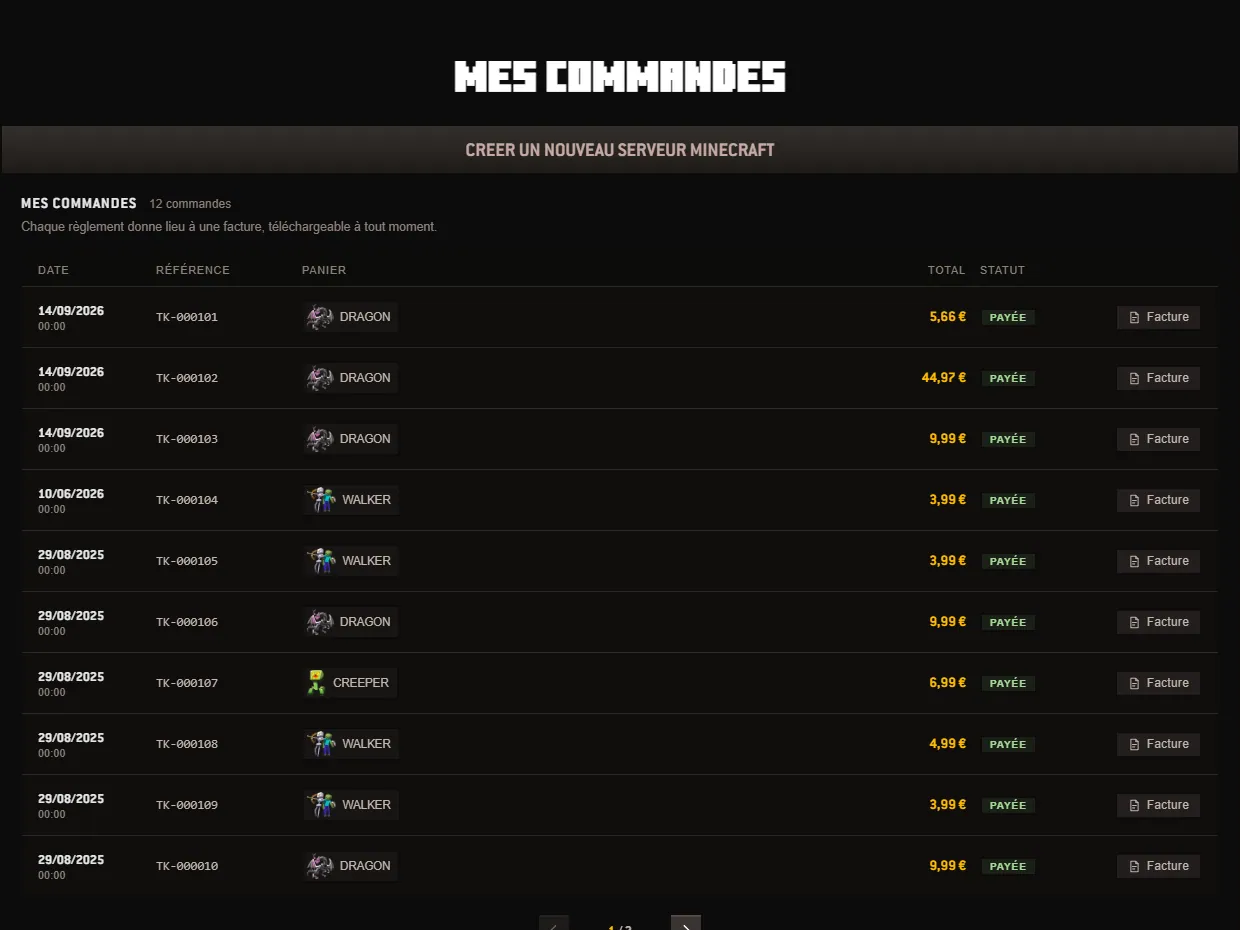
How to track your orders and get your invoices?

The My orders screen of the Minecraft illimity panel gathers your payment history and the downloadable invoices of your account, ready for any receipt you need. 3 min read
Manage the panel

How to open a support ticket from your panel?

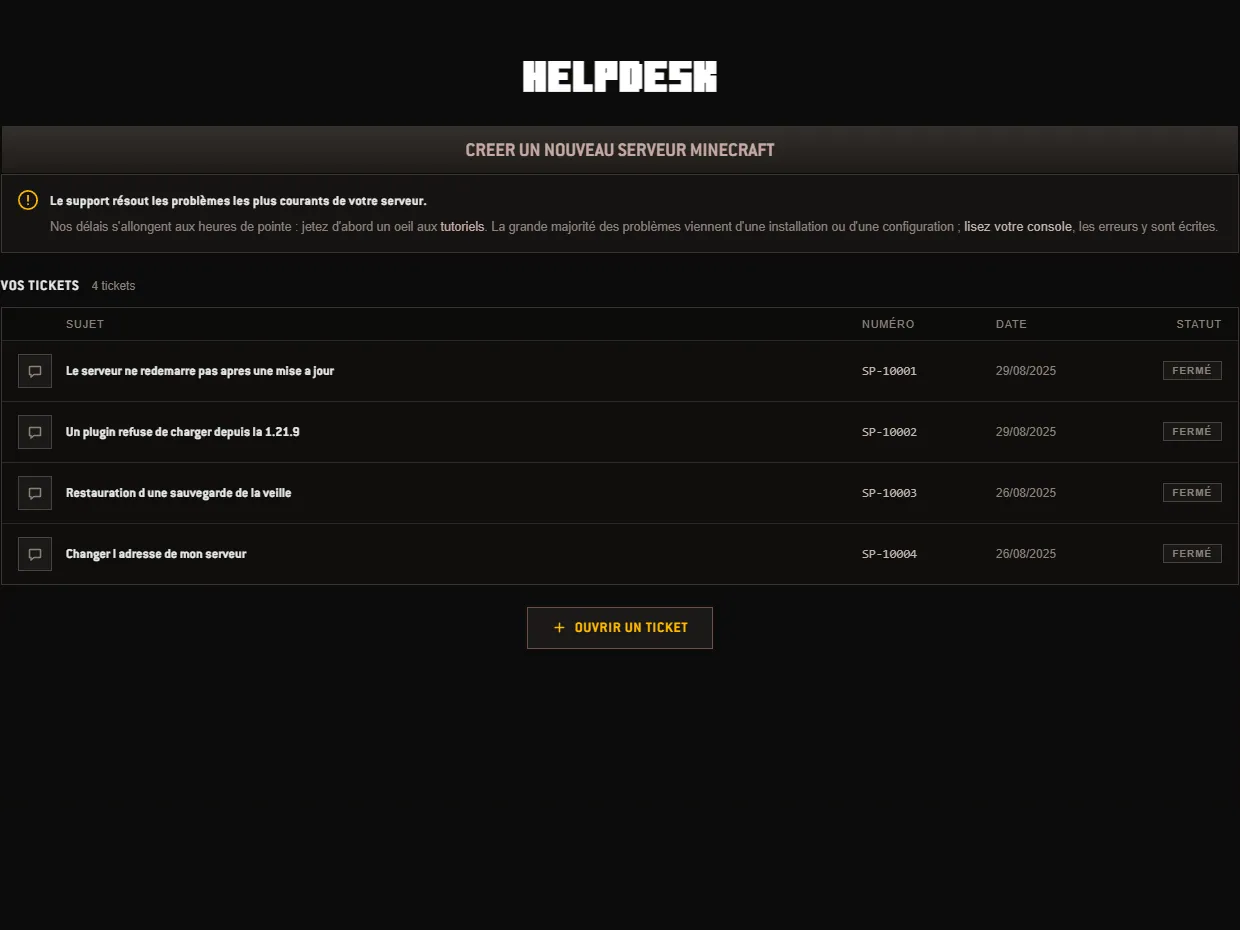
The Helpdesk screen of the panel: open a ticket, follow its replies, and the few lines to put in it so that you get help on the first try. 3 min read
Manage the panel

How to use the SFTP / MySQL tab of your panel?

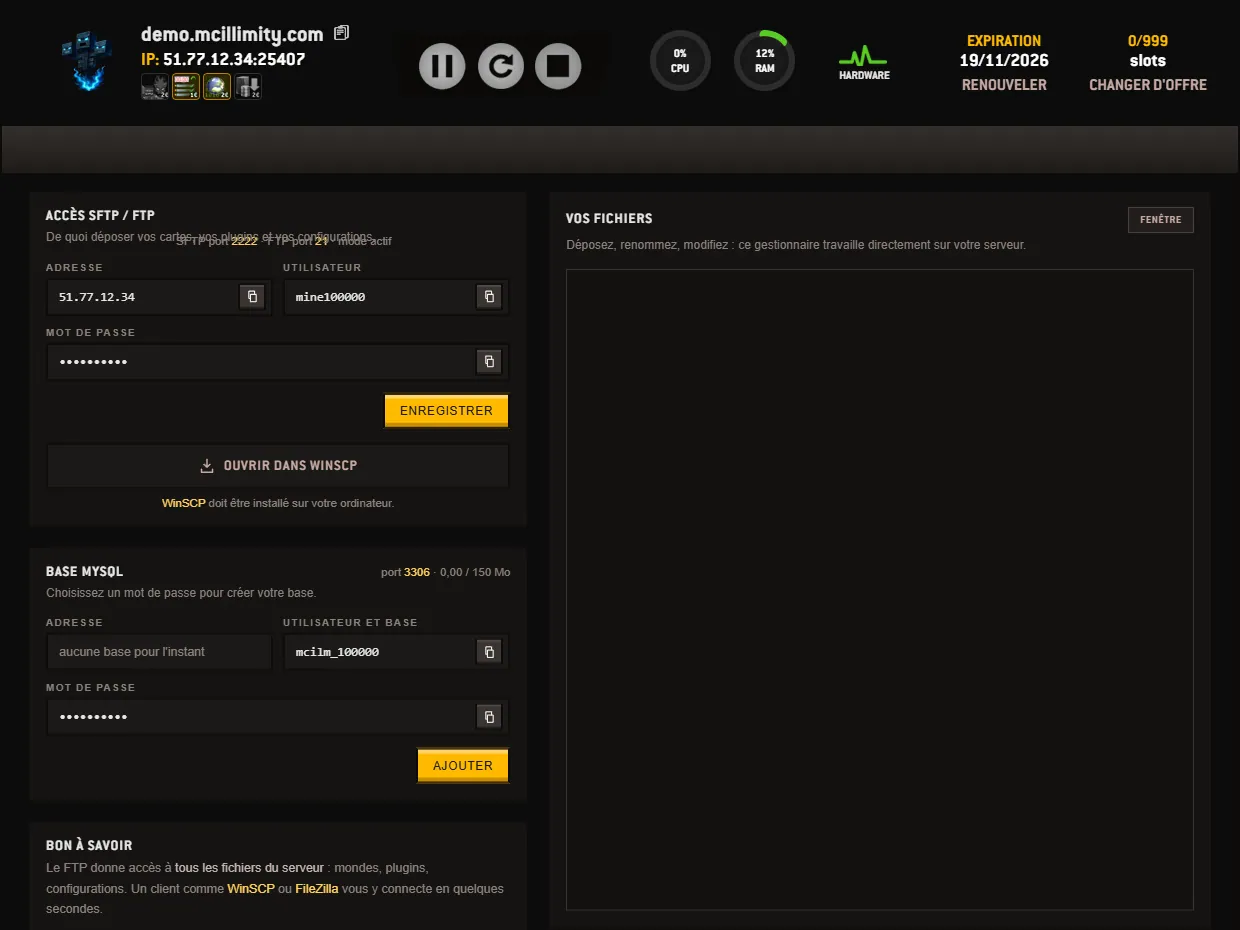
The screen that opens your server's files: SFTP and FTP credentials, the ports to use, the MySQL database and the online file manager. 3 min read