Your Minecraft host since 2012












Your Minecraft host since 2012
Find your server's panel, your backups and your invoices.
No account yet? Create an account
No bank card required: you only pay when you order a server.
Already have an account? Log in
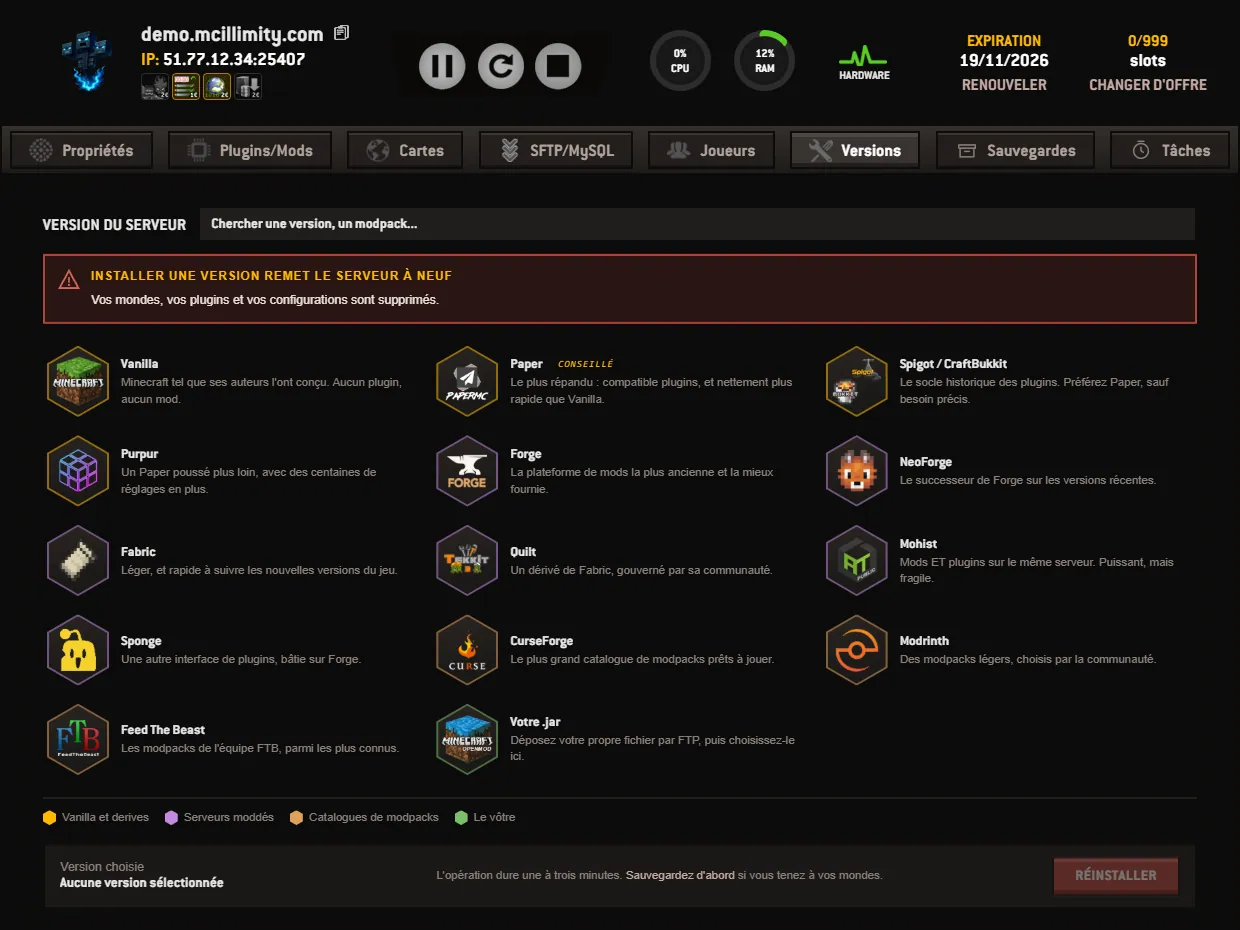
The Versions tab of the panel is where you change your server's engine. This is where you switch from Vanilla to Paper, install Forge to run mods, or set up a modpack. The page is titled SERVER VERSION.
It opens on a honeycomb of cells: fourteen platforms, each with its logo, its name and a sentence saying what it is for. In the top right corner, the Search for a version, a modpack... field browses the whole catalogue without going through the families.
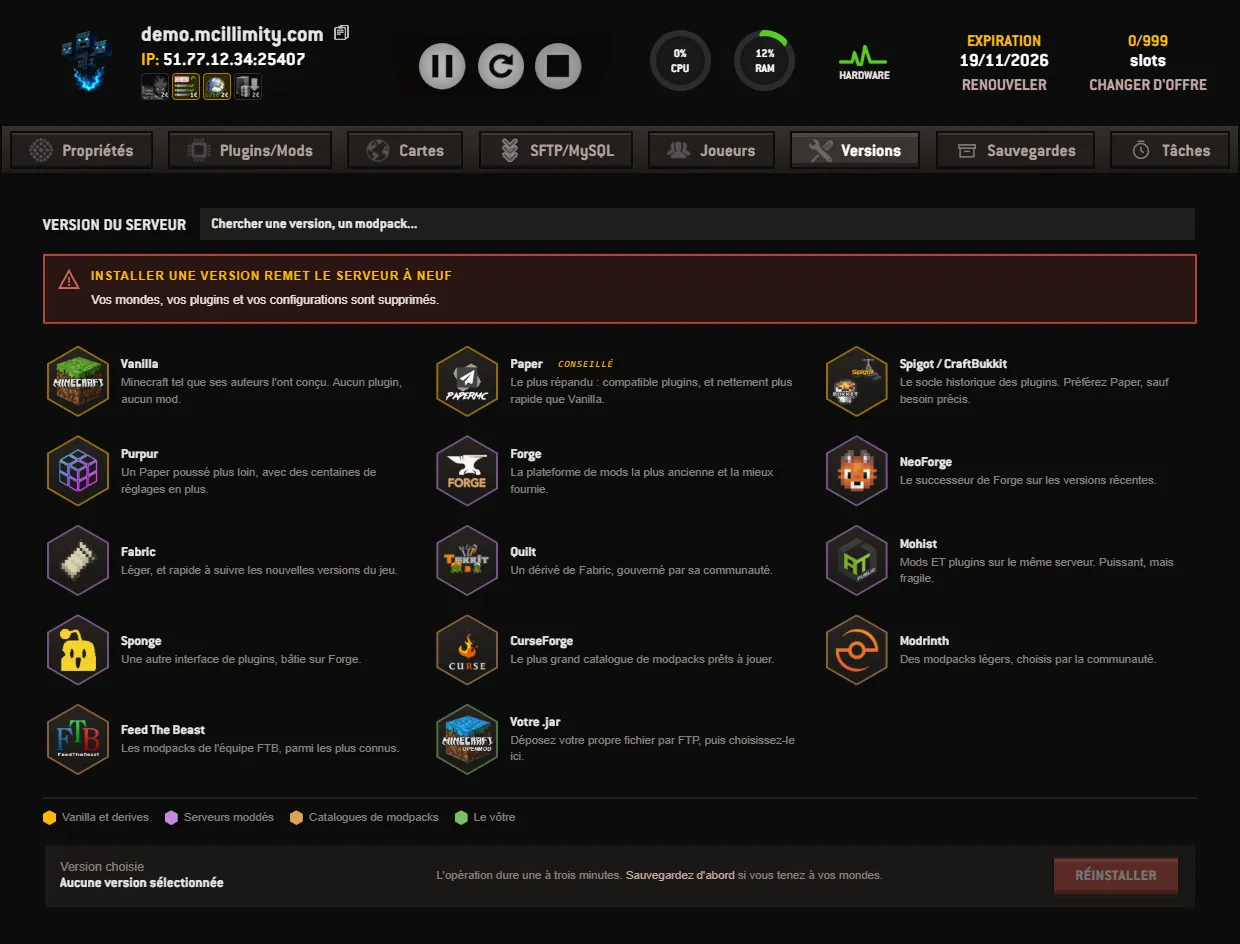
Right under the title, a red box to read before anything else: Installing a version resets the server. Your worlds, your plugins and your configurations are deleted. This is not an update, it is a reinstall. The bottom bar comes back to it by recommending a backup before you launch.
The fourteen platforms are sorted into four families, listed again in a legend under the honeycomb:
Click a cell: the honeycomb folds away, the chosen platform takes its place in the banner, and its versions appear instead. Each row shows the number up front and the name set back, the latest release being highlighted so you can spot it quickly. A Filter field narrows the list, the BACK button returns to the honeycomb.
At the bottom of the page, a bar stays visible while you search. On the left, Chosen version, which shows No version selected as long as nothing has been picked. In the middle, the announced duration: one to three minutes. On the right, the REINSTALL button, greyed out until a version has been chosen.
The order of operations matters. First go to the Backups tab and run a manual backup, then come back to choose the family and the number, and only then launch the reinstall. The bottom bar offers the shortcut itself: « Back up first » if you care about your worlds. Restoring can then be done in parts, maps only or plugins only. See the backups page.
The catalogue is read when the page opens. If it does not respond, the panel says so: Catalogue temporarily unavailable. Try again in a moment. If the search returns nothing, the message becomes No version matches. And if a family has more versions than the grid can show, a line invites you to refine your search.
One last point. A plugin needs Bukkit, Spigot or Paper, a mod needs Forge, Fabric, NeoForge or Quilt: changing family therefore also changes what you will be able to install from the plugins tab. The details of the engines and modpacks are on the versions and modpacks page, the full tour of the screens on our panel, and if a reinstall does not end as expected, open a ticket.
 Continue with Google
 Continue with Discord