
Your Minecraft host since 2012












Your Minecraft host since 2012
Find your server's panel, your backups and your invoices.
No account yet? Create an account
No bank card required: you only pay when you order a server.
Already have an account? Log in
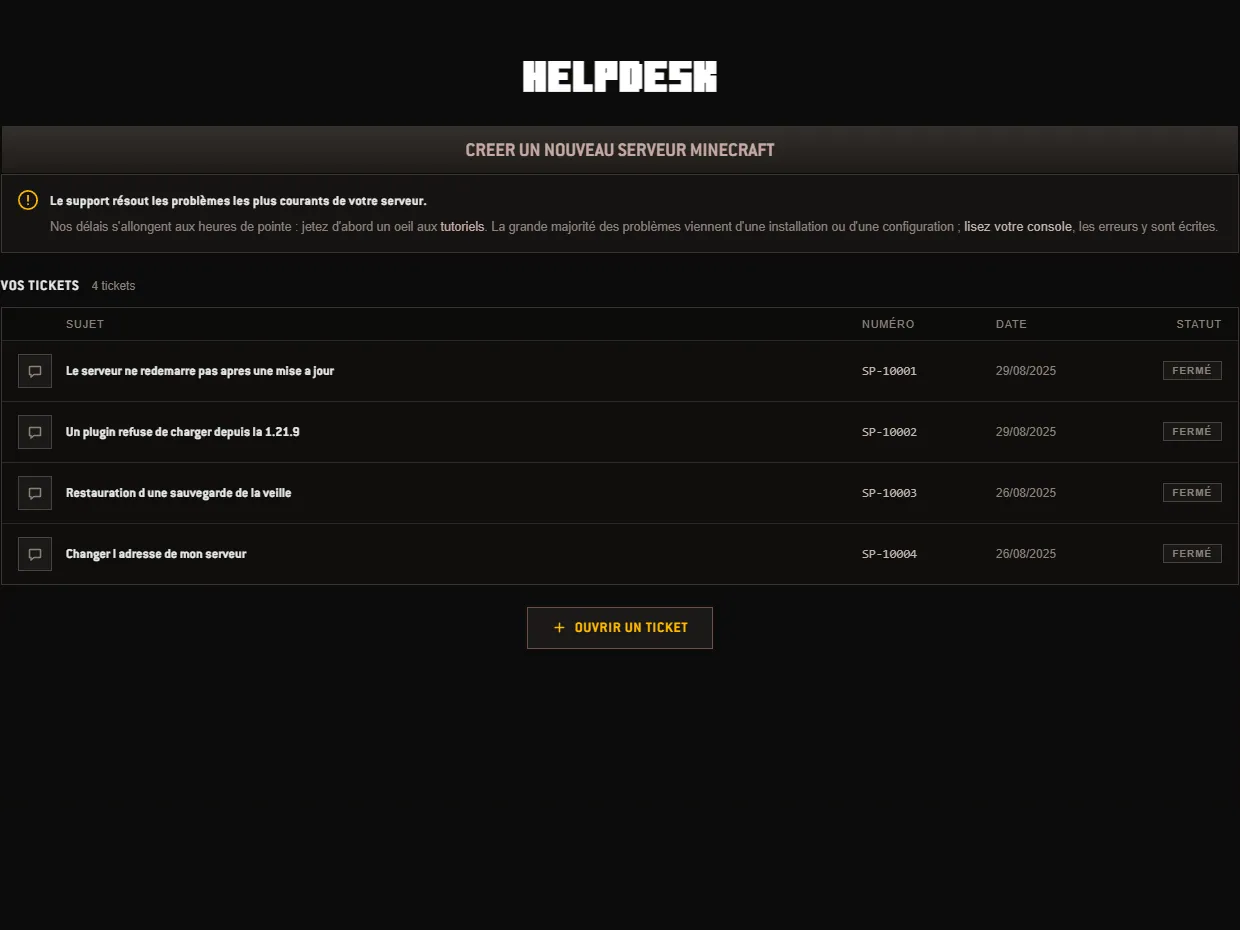
The Helpdesk is the page of your customer area where your exchanges with us take place. It sits in the panel, in the same place as your orders and your servers, at the address panel/support. There you see the list of your tickets, and a button to open a new one.
Before clicking that button, one reflex saves time, and the screen itself reminds you of it at the top of the page: read your console. The vast majority of problems come from an installation or a configuration, and the server writes the error in plain words in its log. The live console is found in the Properties tab, the one that scrolls the lines while the server is running. Our response times get longer at peak hours: the page also points you to the tutorials, which cover the most frequent cases.
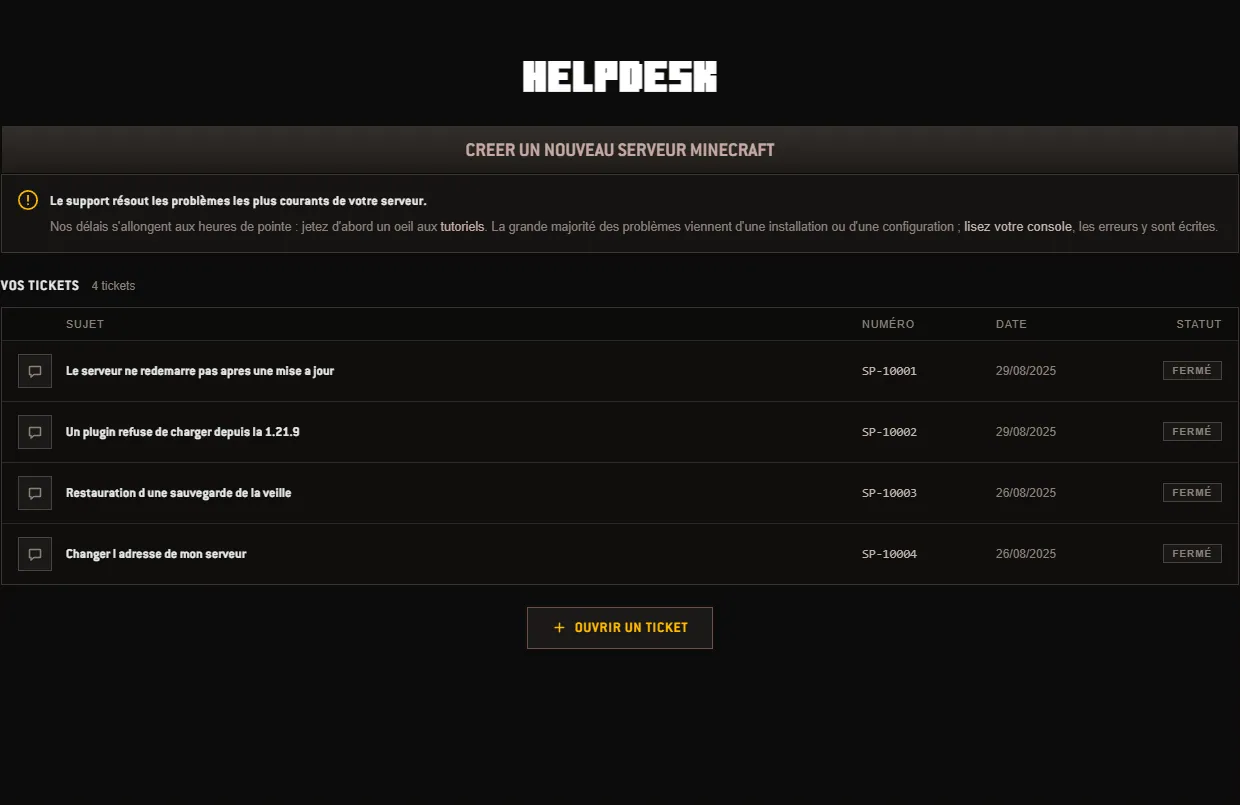
The list takes up the center of the screen, under the heading YOUR TICKETS and the count of those you have opened. Each line carries four pieces of information: the subject, the number, the date and the status. The number always follows the same form, SP- followed by five digits, and it is the reference to quote if you mention it to us elsewhere. Tickets are shown eight per page; beyond that, two arrows and a page counter appear below the list.
The status fits in one word, on the right of the line. Pending: the ticket has reached us, nobody has answered yet. Answered: a reply is waiting for you, open the line to read it. Closed: the exchange is over. A closed ticket remains available to read, nothing disappears from the list.
To open one, the OPEN A TICKET button sits below the list. One rule is worth knowing: a single ticket at a time. As long as the last one is not closed, the button gives way to a sentence inviting you to reply in the current ticket, or to close it. This is not an account limit: it is what prevents two people from handling the same question twice.
What you write decides the speed of the reply. A clear subject, then, in the message, what is needed to reproduce the problem without having to ask you again:
These few lines are enough most of the time. Conversely, a message that only says the server does not work forces us to write to you to ask which server, when, and with which engine: two more round trips before the first useful reply.
Follow-up happens in the same place. A click on a line opens the ticket and its thread of messages, and you reply right after. The status shown in the list then follows the state of the exchange. If the list is still empty, the screen invites you to open a ticket if you get stuck: they are handled in order of arrival.
One last point. The Helpdesk answers problems with your server and your account; for the rest, the documentation is often faster, whether it is about plugins, versions and modpacks or backups. And if you are simply looking for where a given setting is, the panel tour screen by screen covers the question.
 Continue with Google
 Continue with Discord